Free screenshot tool
Stitch Screenshots Online
Merge several screenshots into a single tall or wide image. Reorder by dragging, trim duplicated overlap automatically, and export a crisp PNG or JPEG.
- Runs on your device
- No sign-up
- No watermark
Drop screenshots to stitch
Add two or more images·Browse files·or paste with ⌘V
Opened in this tab only. Nothing is uploaded.
How to use Stitch Screenshots
- 01
Add your screenshots
Drop images onto the tool, browse for them, or paste straight from the clipboard. Any mix of PNG, JPEG, WebP or HEIC works.
- 02
Put them in order
Drag the handles to reorder, or use the arrow buttons. Pick vertical for scrolling pages and chats, horizontal for side-by-side comparisons.
- 03
Remove the overlap
Turn on overlap detection to cut duplicated rows between captures and repeated sticky headers. Fine-tune any seam with the trim controls.
- 04
Export
Choose PNG for pixel-perfect text or JPEG for a smaller file, then download your stitched image.
What it does well
- Smart overlap removal
- Detects where one capture repeats the end of the previous one, plus fixed headers and footers, and trims them away.
- Drag to reorder
- Rearrange captures with a fluid drag, or with keyboard-friendly move buttons.
- Layout control
- Vertical or horizontal, alignment, matching widths, spacing, padding and background color.
- Full resolution
- Exports at the original pixel size of your screenshots, so Retina text stays sharp.
How screenshot stitching works
A scrolling capture is really a series of ordinary screenshots taken as the page moves. Each one usually repeats a few rows from the previous capture, and pages with a fixed navigation bar repeat that bar in every shot. Stitching them well means finding exactly where each capture continues from the last one.
This tool compares the bottom of each image with the top of the next, row by row, to find the offset where the content lines up. It also looks for rows that stay identical at the same position in both captures, which is how sticky headers and footers give themselves away. You can always override the result with the per-image trim controls.
For the cleanest result, capture every screenshot from the same window at the same size, and scroll by less than a full screen so consecutive captures share some content.
 Quilt for Mac
Skip the stitching entirely
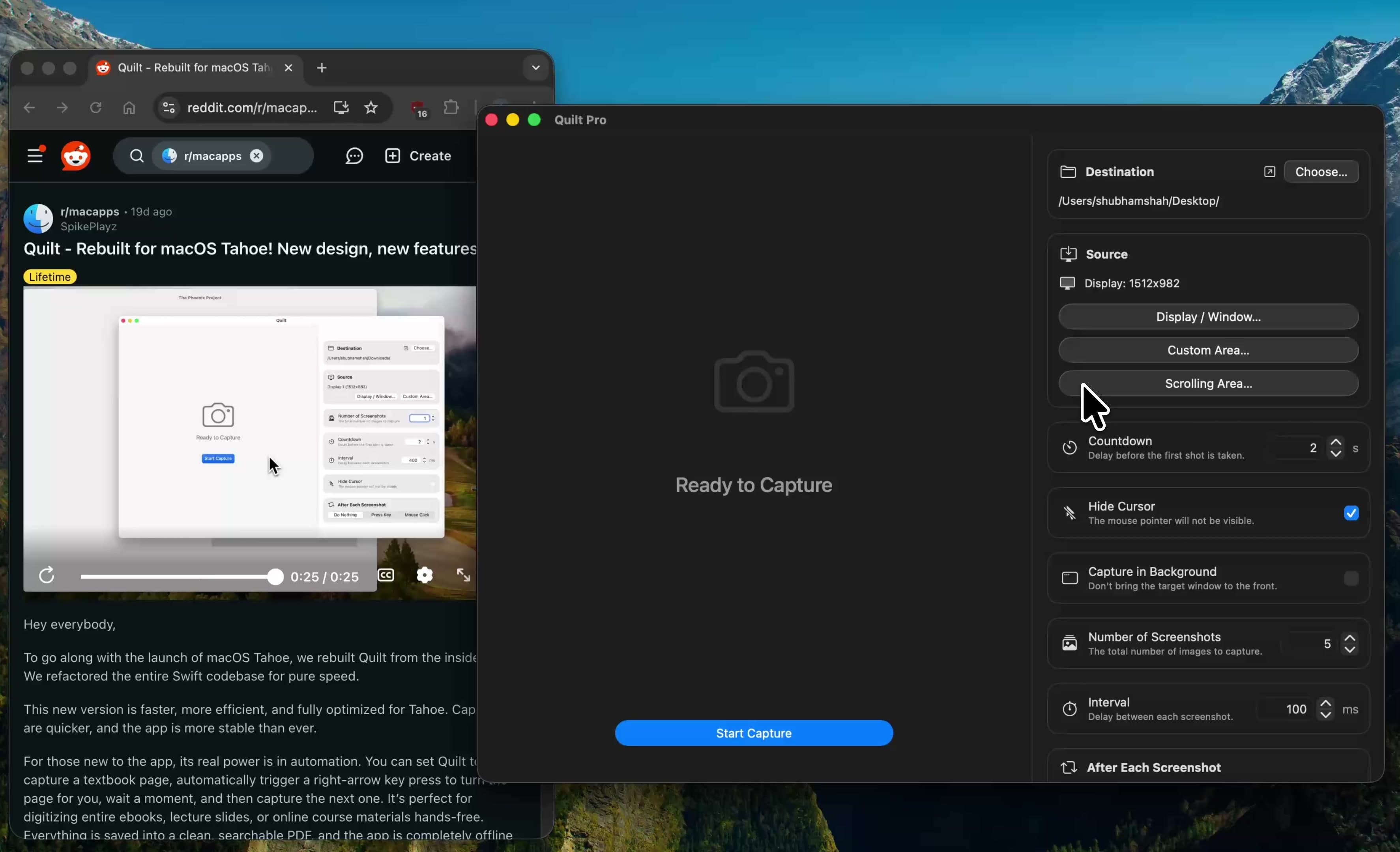
Quilt’s Scroll Capture scrolls the window for you and stitches the result as it goes. Select an area, press start, and get one seamless long image or PDF, with no manual screenshots.
Free to start · macOS 14 or later · Intel and Apple silicon
Questions, answered
Something else on your mind? Email [email protected].