Free pdf tool
Screenshot to Searchable PDF
Run OCR on your screenshots and get a PDF with an invisible text layer, so you can search, select and copy the text. Recognition happens on your device.
- Runs on your device
- No sign-up
- No watermark
Drop screenshots to OCR
PNG, JPEG, WebP, HEIC and more·Browse files·or paste with ⌘V
Opened in this tab only. Nothing is uploaded.
How to use Screenshot to Searchable PDF
- 01
Add screenshots
Drop in one or more images, or paste a screenshot. Each image becomes one page.
- 02
Pick the language
Choose the language of the text so the recognizer uses the right dictionary.
- 03
Run OCR
The OCR engine loads once, then reads every page on your device. Progress is shown page by page.
- 04
Download or copy
Save the searchable PDF, or copy the recognized text straight to your clipboard.
What it does well
- Invisible text layer
- Recognized words sit exactly over the image, so search highlights and selections line up.
- Copy the text
- Grab plain text from every page without opening the PDF.
- Private OCR
- Recognition runs in a Web Worker in your browser. Your images never leave your device.
- Multi-page
- Process a whole stack of screenshots into one document.
What makes a PDF searchable?
A PDF made from screenshots is just a stack of pictures: your computer sees pixels, not words. A searchable PDF adds a second, invisible layer of real text positioned exactly where each word appears in the image.
Optical character recognition (OCR) produces that layer. It finds lines of text in the image, recognizes each word, and records its position. The words are then written into the PDF in invisible ink, so the page looks identical but Spotlight, Preview and your PDF reader can search it.
OCR accuracy depends on the source. Sharp, high-resolution screenshots of clean text give the best results. Tiny text, unusual fonts and busy backgrounds are harder to read.
 Quilt for Mac
Searchable PDFs, automatically
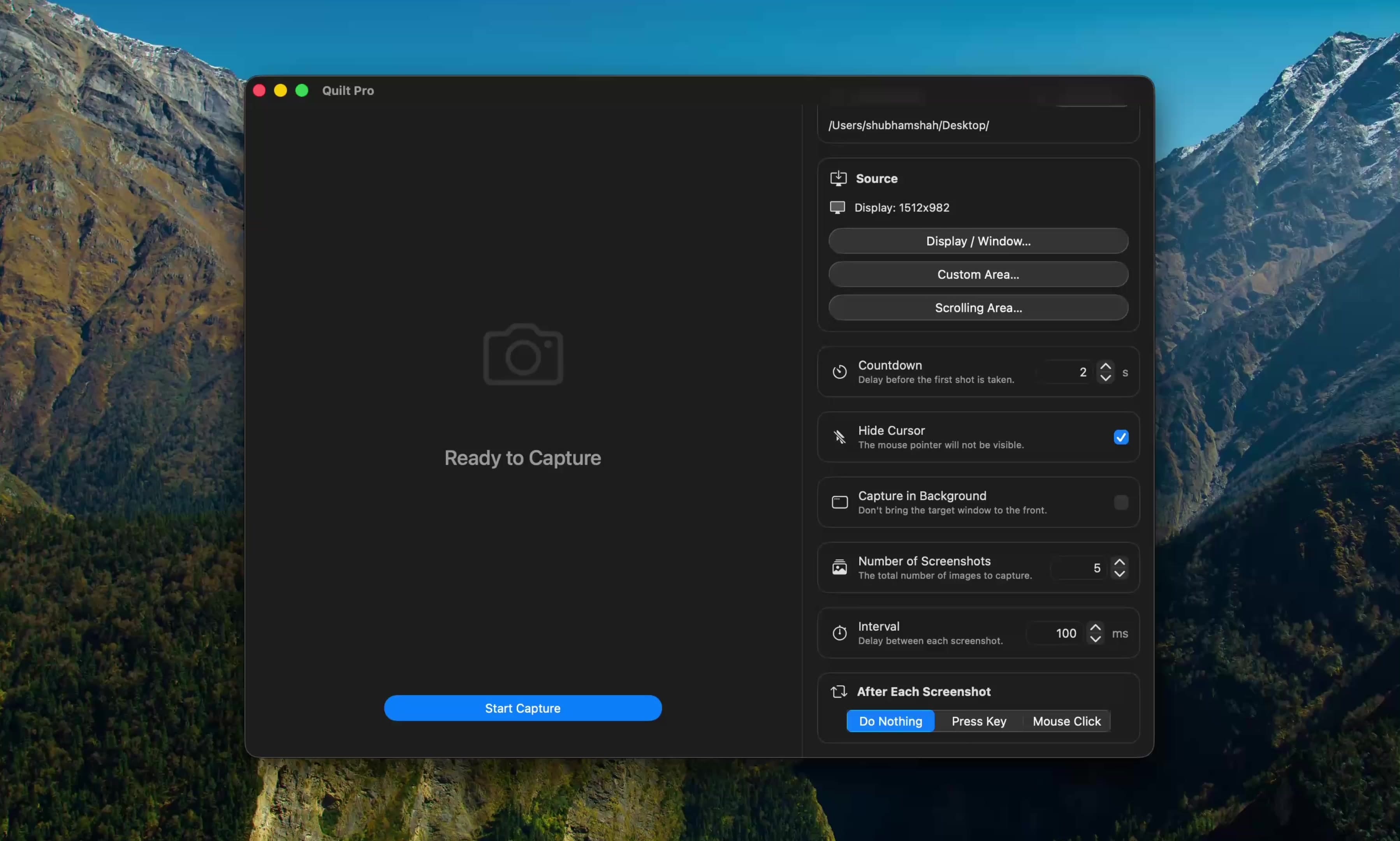
Quilt runs OCR with Apple’s Vision framework, fully offline and in many more languages. Capture an ebook or slide deck and every exported PDF is searchable the moment it is saved.
Free to start · macOS 14 or later · Intel and Apple silicon
Questions, answered
Something else on your mind? Email [email protected].