Free image tool
Redact Screenshots
Hide emails, names, card numbers and faces before you share a screenshot. Draw boxes to black out, pixelate or blur, then export. Redactions are burned into the pixels.
- Runs on your device
- No sign-up
- No watermark
Drop a screenshot to redact
PNG, JPEG, WebP, HEIC and more·Browse files·or paste with ⌘V
Opened in this tab only. Nothing is uploaded.
How to use Image Redaction
- 01
Open an image
Drop in a screenshot or paste one from the clipboard.
- 02
Pick a style
Solid box for maximum safety, pixelate or blur for a softer look.
- 03
Draw over sensitive areas
Drag rectangles over anything you want hidden. Select a box to delete it.
- 04
Export
Download a flattened image with the redactions permanently baked in.
What it does well
- Truly permanent
- Original pixels under each box are replaced in the exported file, not just covered by a layer.
- Three styles
- Solid black, pixelate and blur, with adjustable strength.
- Works on touch
- Draw boxes with a mouse, trackpad, pen or finger.
- Undo friendly
- Remove boxes or undo your last one before exporting.
 Quilt for Mac
Redact before it ever leaves your Mac
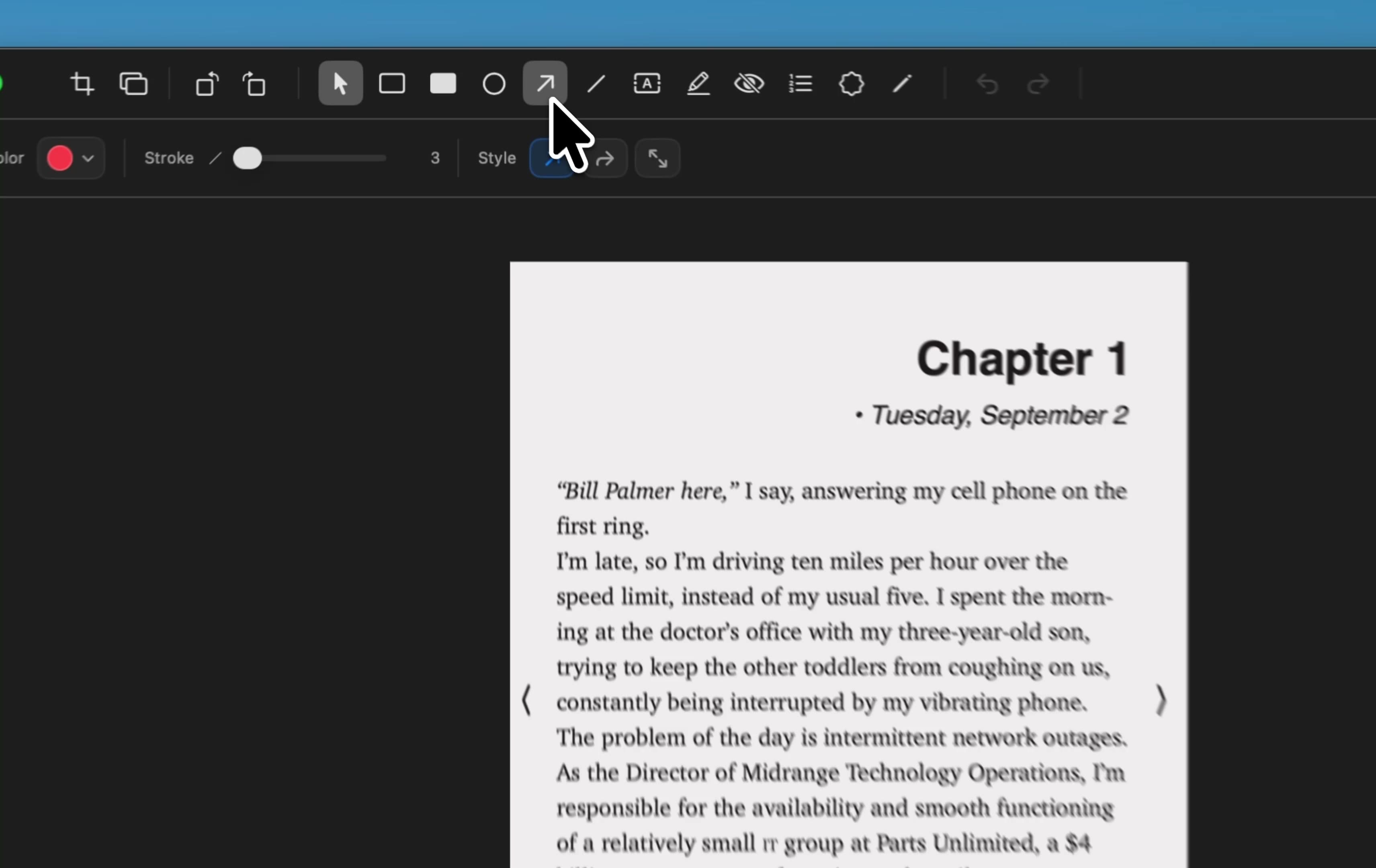
Quilt’s annotation tools include blur and shapes, so you can hide sensitive details right after capturing, then export a clean PDF or image.
Free to start · macOS 14 or later · Intel and Apple silicon
Questions, answered
Something else on your mind? Email [email protected].