
Free pdf tool
Organize PDF Pages
Open a PDF to see every page as a thumbnail. Drag to reorder, rotate or delete pages, then save a new copy. Your document never leaves your browser.
- Runs on your device
- No sign-up
- No watermark
Drop a PDF to organize
One PDF at a time·Browse files
Opened in this tab only. Nothing is uploaded.
How to use PDF Page Organizer
- 01
Open a PDF
Drop a PDF onto the tool or browse for one. Thumbnails render right in your browser.
- 02
Rearrange
Drag pages into a new order, or select a page and use the move buttons.
- 03
Rotate or delete
Rotate pages that are sideways and remove the ones you don’t need. Deleted pages can be restored.
- 04
Save
Download the reorganized PDF. Text, links and quality are kept as they were.
What it does well
- Visual thumbnails
- See every page so you know exactly what you’re moving.
- Non-destructive
- Pages are copied as-is, so text stays selectable and nothing is re-compressed.
- Rotate in 90° steps
- Fix scanned or captured pages that came out sideways.
- Undo deletes
- Removed pages stay restorable until you download.
 Quilt for Mac
Get the order right while you capture
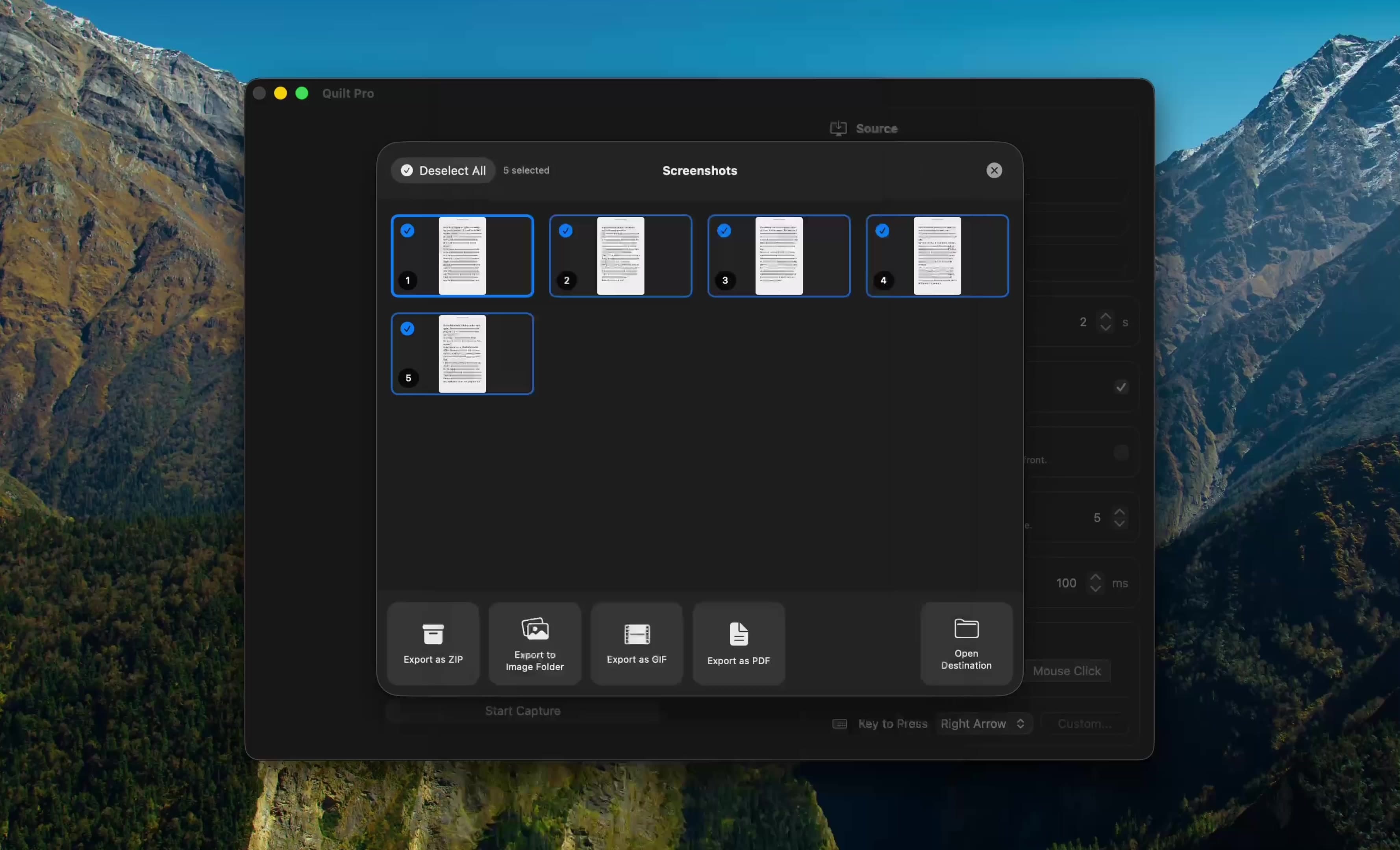
Quilt shows every capture in a gallery where you can drag to reorder, deselect pages you don’t want and export a finished PDF. No fixing up afterward.
Free to start · macOS 14 or later · Intel and Apple silicon
Questions, answered
Something else on your mind? Email [email protected].