Free screenshot tool
Screenshot Resolution Checker
Drop in screenshots to see pixel dimensions, Retina scale, aspect ratio and file size, and check them against Mac and App Store screenshot requirements.
- Runs on your device
- No sign-up
- No watermark
Drop screenshots to check
PNG, JPEG, WebP, HEIC and more·Browse files·or paste with ⌘V
Opened in this tab only. Nothing is uploaded.
How to use Screenshot Resolution Checker
- 01
Add screenshots
Drop in one or more images, or paste a screenshot.
- 02
Read the details
See width, height, aspect ratio, megapixels, format and file size for each image.
- 03
Check compliance
Matches against Mac App Store, iPhone and iPad screenshot sizes are flagged instantly.
What it does well
- Retina scale guess
- Estimates whether an image is @1x, @2x or @3x and its size in points.
- App Store checks
- Compares against required Mac, iPhone and iPad screenshot sizes.
- Display matching
- Recognizes common Mac and iPhone native resolutions.
- Batch friendly
- Check a full set of marketing screenshots at once.
 Quilt for Mac
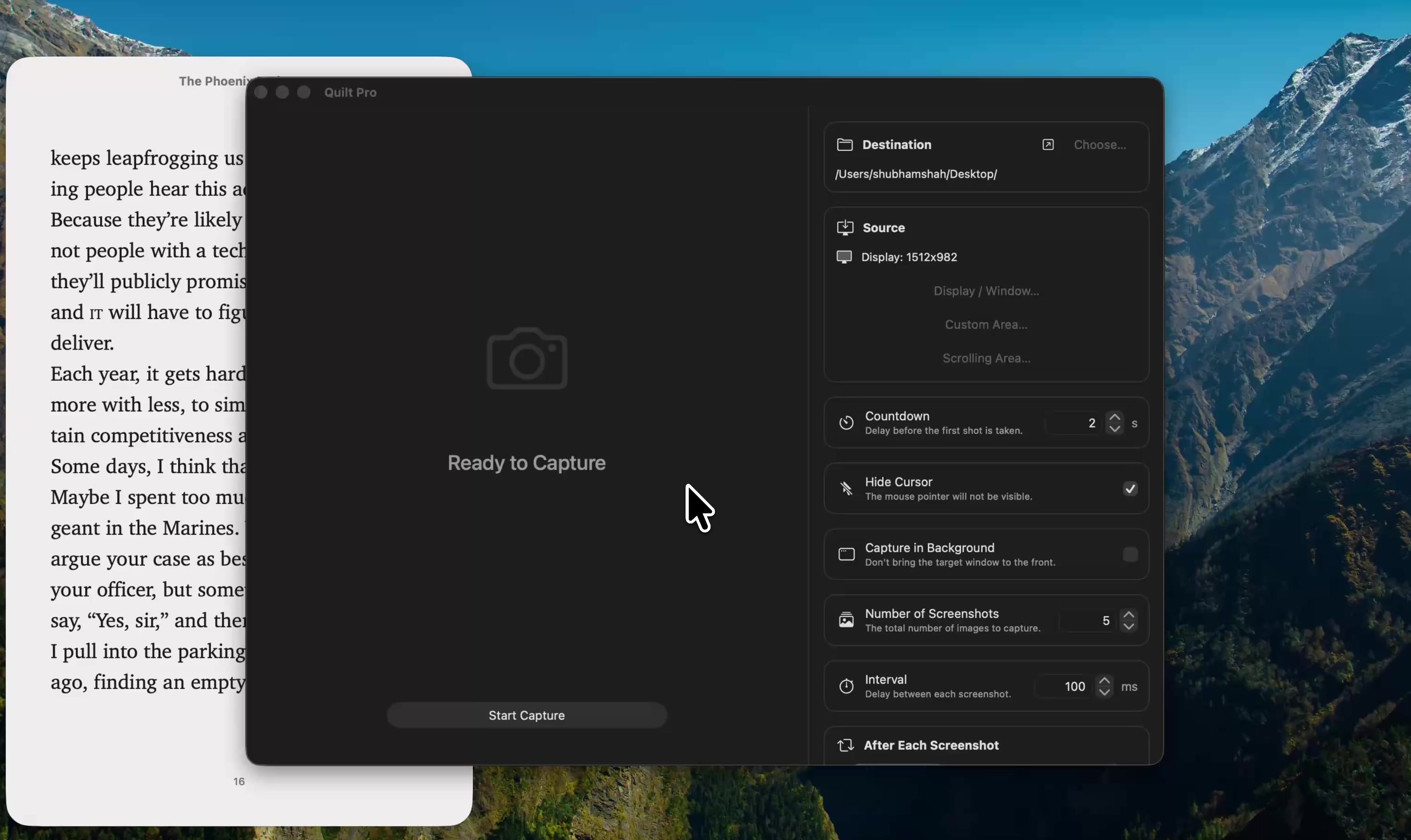
Capture at exactly the right size
Quilt can capture a specific window or a precise region, at full Retina resolution, and export it in the format you need.
Free to start · macOS 14 or later · Intel and Apple silicon
Questions, answered
Something else on your mind? Email [email protected].