
Free image tool
Compress Images
Reduce the file size of screenshots and photos. Pick a format and quality, optionally cap the dimensions, and see the savings for every file before you download.
- Runs on your device
- No sign-up
- No watermark
Drop images to compress
PNG, JPEG, WebP, HEIC·Browse files·or paste with ⌘V
Opened in this tab only. Nothing is uploaded.
How to use Image Compressor
- 01
Add images
Drop in a batch of images or paste one from the clipboard.
- 02
Set quality and size
Choose JPEG or WebP, set the quality, and optionally limit the longest side.
- 03
Compare the savings
Each file shows its original size, new size and percentage saved.
- 04
Download
Save files one by one or grab them all in a single ZIP.
What it does well
- Live results
- Change a setting and every image is re-compressed instantly.
- Resize while compressing
- Cap the longest side to shrink large Retina screenshots even further.
- Never bigger
- If compression wouldn’t make a file smaller, the original is kept.
- ZIP download
- Download a whole batch in one click.
 Quilt for Mac
Compression built into every export
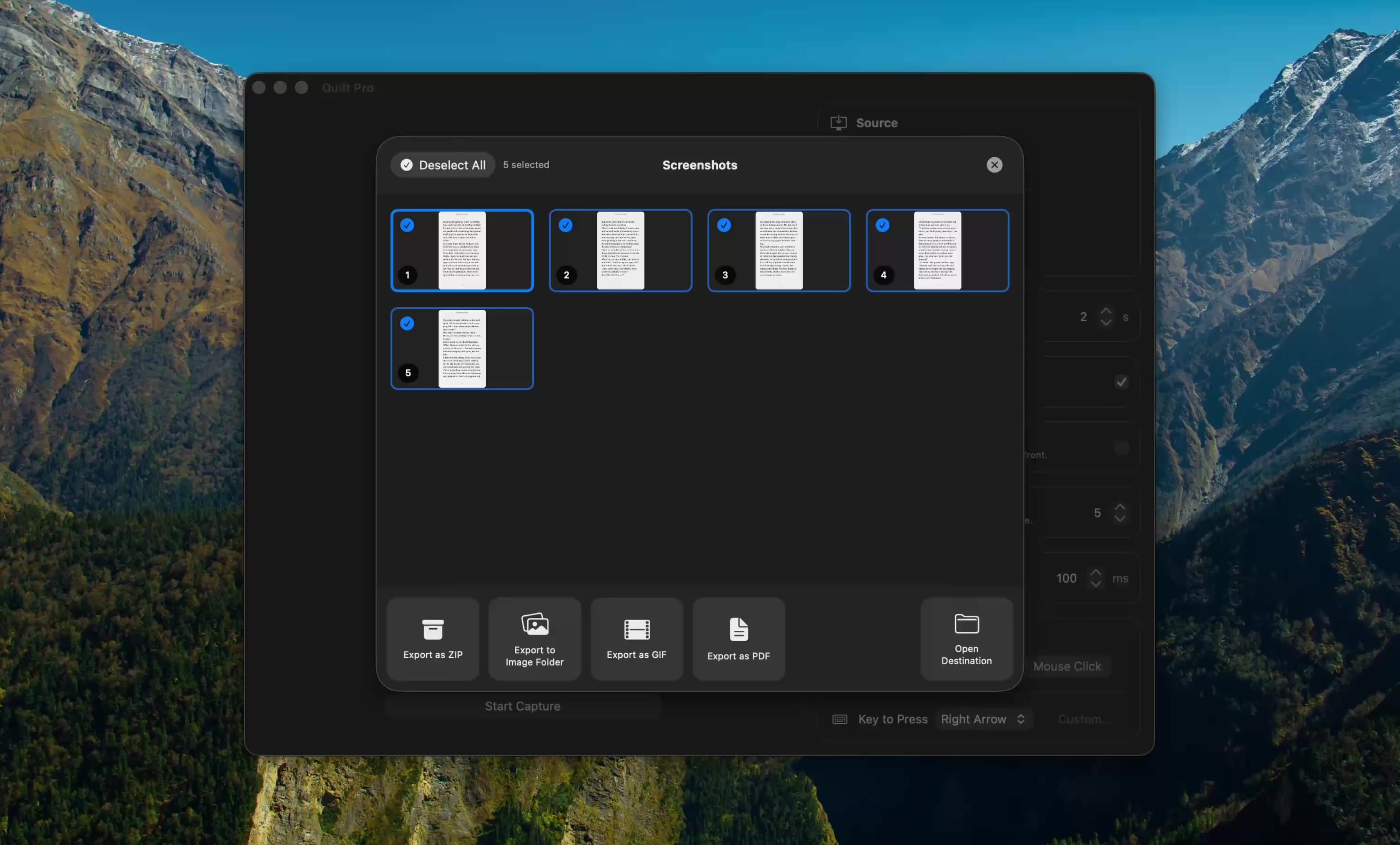
Quilt Pro lets you set image quality and format right in the export panel, so screenshots come out small enough to share without a separate step.
Free to start · macOS 14 or later · Intel and Apple silicon
Questions, answered
Something else on your mind? Email [email protected].