Free pdf tool
Convert Images to PDF
Combine screenshots and photos into a single PDF. Reorder pages, choose a page size and margins, and download instantly.
- Runs on your device
- No sign-up
- No watermark
Drop images to convert
PNG, JPEG, WebP, HEIC and more·Browse files·or paste with ⌘V
Opened in this tab only. Nothing is uploaded.
How to use Image to PDF
- 01
Add images
Drop in as many images as you like, or paste a screenshot from the clipboard.
- 02
Arrange the pages
Drag to reorder. Each image becomes one page, in the order shown.
- 03
Choose the layout
Fit each page to its image, or use A4 or Letter with portrait, landscape or automatic orientation and your choice of margins.
- 04
Download the PDF
Create the document and save it. JPEG images are embedded untouched, without re-compression.
What it does well
- Lossless embedding
- JPEG and PNG files are placed in the PDF as they are, so quality is preserved.
- Page size options
- Fit to image, A4 or US Letter, with orientation and margin controls.
- Correct rotation
- Respects the orientation flag phone cameras write into photos.
- Batch friendly
- Handles dozens of images at once and keeps them in the order you choose.
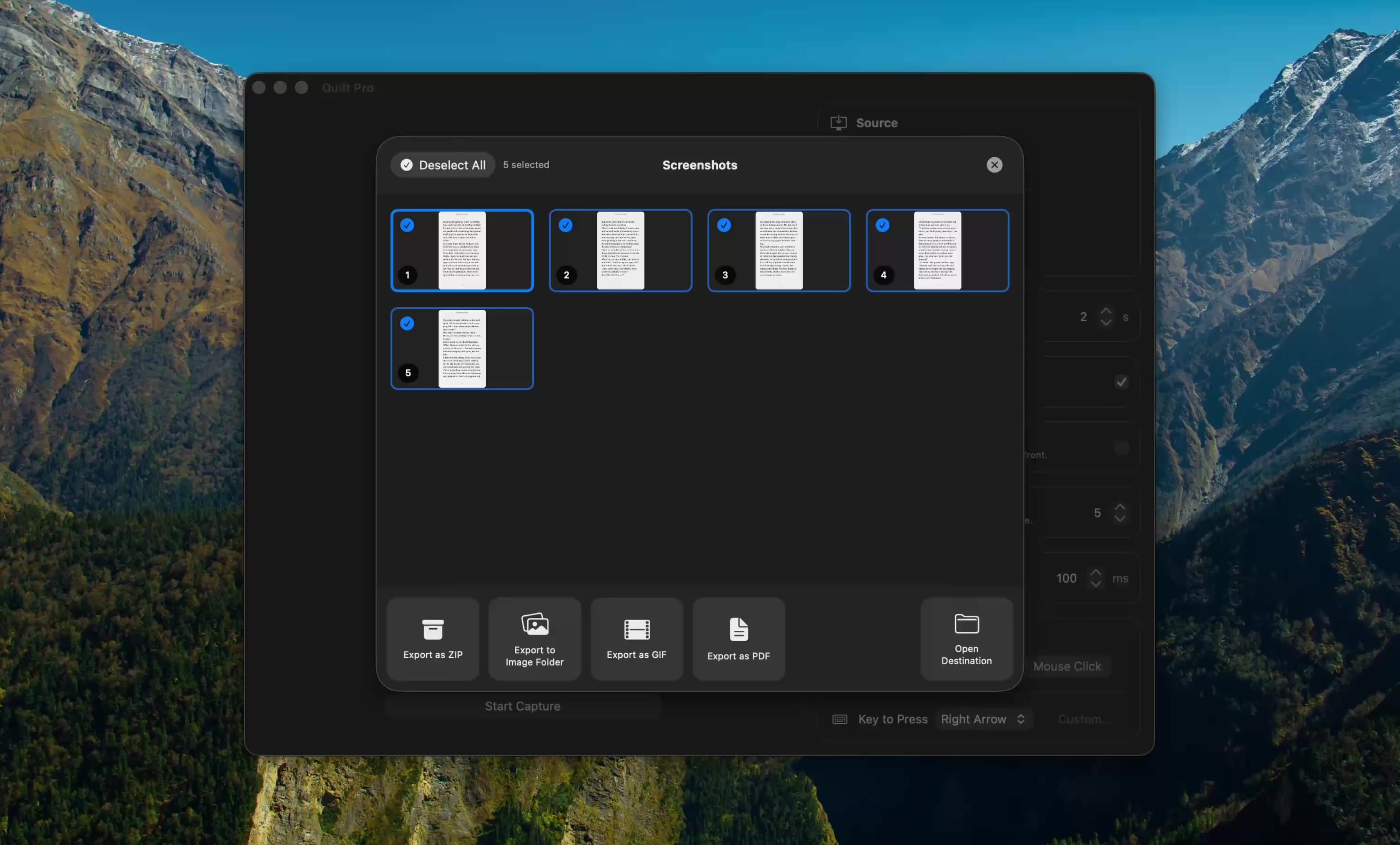
 Quilt for Mac
From screen to PDF in one step
Quilt captures pages of an ebook, a slide deck or a website and exports them straight to a single PDF, already in order. No saving and re-uploading screenshots.
Free to start · macOS 14 or later · Intel and Apple silicon
Questions, answered
Something else on your mind? Email [email protected].