Free screenshot tool
Make a GIF from Screenshots
Turn a series of screenshots into an animated GIF. Reorder frames, set the timing and size, preview it live, and download.
- Runs on your device
- No sign-up
- No watermark
Drop frames for your GIF
Add them in playing order·Browse files·or paste with ⌘V
Opened in this tab only. Nothing is uploaded.
How to use Screenshots to GIF
- 01
Add frames
Drop in screenshots in the order they should play, or paste them one by one.
- 02
Arrange and time
Drag to reorder, then set how long each frame shows.
- 03
Size it
Pick an output width. Smaller GIFs load faster and are easier to share.
- 04
Create and download
Encode the GIF, check the preview and save it.
What it does well
- Per-frame timing
- Set a default delay, then hold important frames longer.
- Live preview
- See the animation before you export it.
- Smart palette
- Each frame gets its own optimized 256-color palette for the best quality GIF allows.
- Loop control
- Loop forever or play once.
 Quilt for Mac
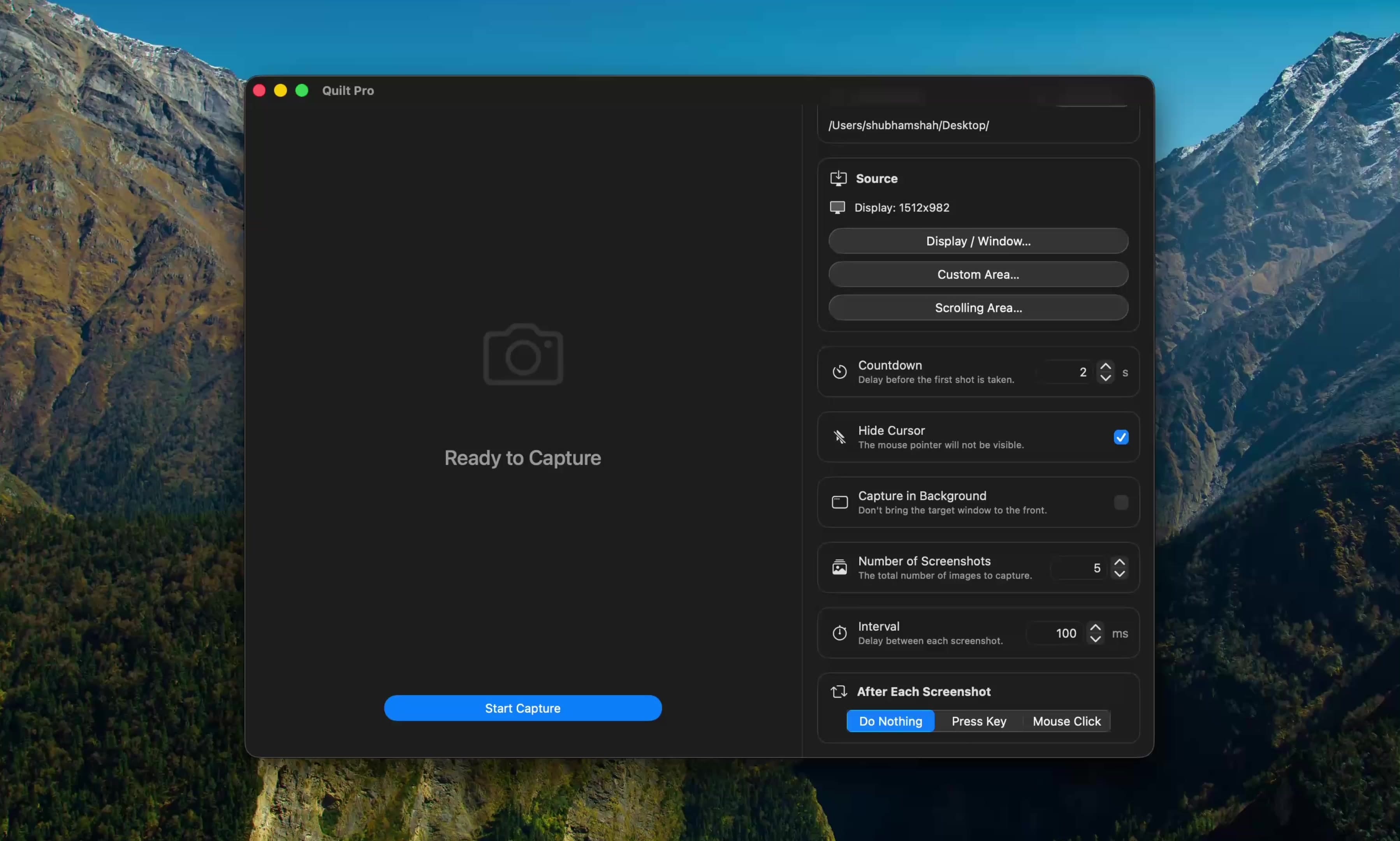
Capture straight to GIF
Quilt can capture a series of screens on a timer and export them as a GIF directly, which makes it ideal for quick product demos and bug reports.
Free to start · macOS 14 or later · Intel and Apple silicon
Questions, answered
Something else on your mind? Email [email protected].