
Free image tool
Convert Images
Convert a batch of images between PNG, JPEG, WebP and, where your browser supports it, AVIF. Quick, private and free.
- Runs on your device
- No sign-up
- No watermark
Drop images to convert
Any image your browser can open, plus HEIC·Browse files·or paste with ⌘V
Opened in this tab only. Nothing is uploaded.
How to use Image Converter
- 01
Add images
Drop in files in any format your browser can open, including HEIC.
- 02
Pick a format
Choose PNG, JPEG, WebP or AVIF and, for lossy formats, a quality level.
- 03
Convert
Every file converts on your device in a moment.
- 04
Download
Save individual files or download everything as a ZIP.
What it does well
- Batch conversion
- Convert dozens of files at once with one setting.
- Transparency aware
- When converting transparent images to JPEG, choose the background color.
- Modern formats
- Export to WebP, and to AVIF in browsers that support encoding it.
- Clean filenames
- Files keep their names with the new extension.
 Quilt for Mac
Export in the format you need
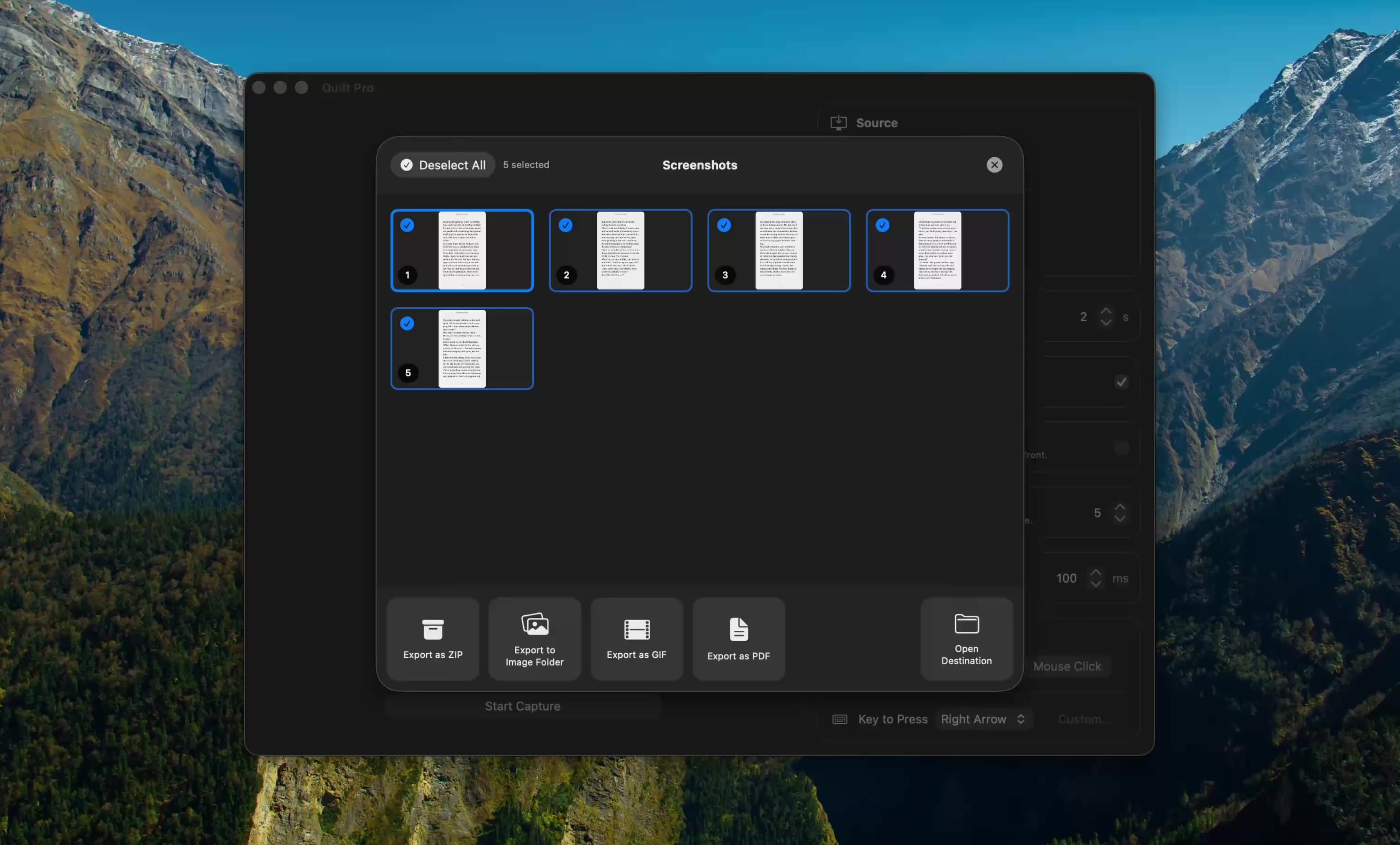
Quilt exports captures as PNG, JPEG, HEIC or WebP, or bundles them into a PDF, GIF or ZIP, straight from the capture gallery.
Free to start · macOS 14 or later · Intel and Apple silicon
Questions, answered
Something else on your mind? Email [email protected].
Yes. There is no sign-up, no watermark and no daily limit. The tool is free because it runs on your own device, which costs us nothing to host.
No. Everything runs inside your browser using JavaScript and the canvas API. Your files are never sent to a server, so you can safely use this tool with confidential screenshots and documents.
AVIF encoding depends on your browser. If it can’t write AVIF, the option is disabled. WebP gives similar savings and works everywhere.
JPEG has no transparency, so transparent areas are filled with the background color you pick (white by default).
PNG keeps text perfectly sharp. WebP is much smaller with almost no visible difference. JPEG works best for photos rather than interface screenshots.