
Free image tool
Convert HEIC to JPG
Turn iPhone and iPad HEIC photos into widely compatible JPG or PNG files. Convert a whole batch at once, privately in your browser.
- Runs on your device
- No sign-up
- No watermark
Drop HEIC photos
.heic and .heif from iPhone, iPad or Mac·Browse files·or paste with ⌘V
Opened in this tab only. Nothing is uploaded.
How to use HEIC to JPG
- 01
Add HEIC photos
Drop in .heic or .heif files from your iPhone, iPad or Mac.
- 02
Choose JPG or PNG
JPG keeps files small; PNG is lossless. Set the JPG quality if you like.
- 03
Convert
Photos are decoded and converted on your device.
- 04
Download
Save each photo or download the whole batch as a ZIP.
What it does well
- Batch conversion
- Convert a whole camera roll export in one go.
- Private by design
- Personal photos never leave your device.
- Native when possible
- Uses your browser’s built-in HEIC support when it has one, for speed.
- Strips location data
- Converted files don’t carry over EXIF or GPS metadata.
 Quilt for Mac
HEIC in, any format out
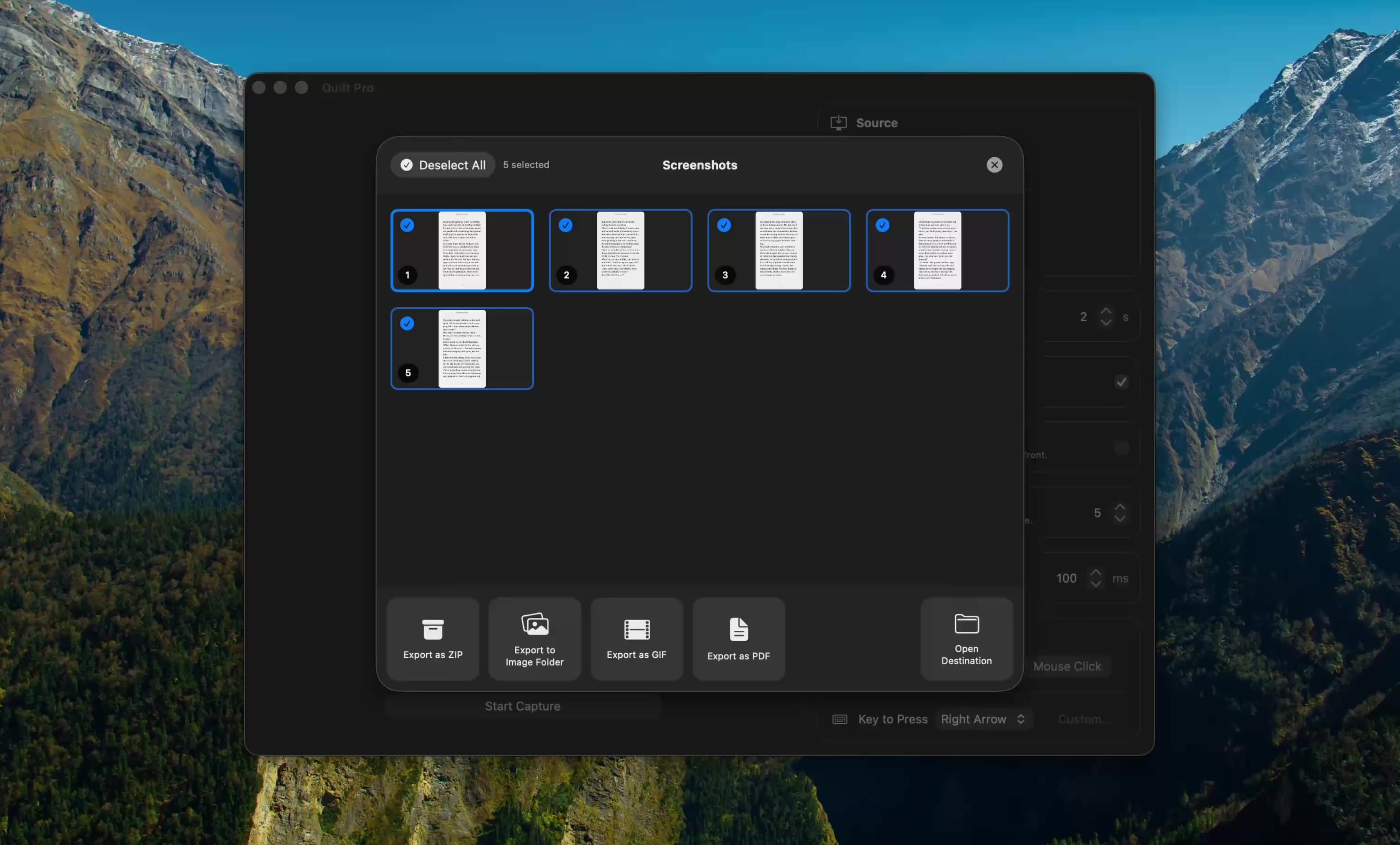
Quilt reads and writes HEIC natively on macOS and can export captures to JPEG, PNG, WebP or PDF from the same gallery.
Free to start · macOS 14 or later · Intel and Apple silicon
Questions, answered
Something else on your mind? Email [email protected].
Yes. There is no sign-up, no watermark and no daily limit. The tool is free because it runs on your own device, which costs us nothing to host.
No. Everything runs inside your browser using JavaScript and the canvas API. Your files are never sent to a server, so you can safely use this tool with confidential screenshots and documents.
HEIC (High Efficiency Image Container) is the format iPhones and iPads use for photos by default. It’s about half the size of JPEG at similar quality, but many apps and websites still can’t open it.
In browsers without built-in HEIC support, a decoder is downloaded and runs in JavaScript. Large photos take a second or two each.
The still image of a Live Photo is converted. The motion part is a separate video file and is not included.